 ubook
 The Windowsill
Notebook
The Windowsill Notebook
Growing guide · Cover and ten chapters
Create guides, workbooks, and novels with AI
Tell ubook what you know. Shape your idea into chapters, design its cover and read your finished book from the first page to the last.
No credit card to start Publishing plans from $27/month
See how it worksTurn the pages of two ubook editions. Explore a practical guide to growing herbs, or open a coloring book to see the printable artwork.
The WindowsillGrowing guide · Cover and ten chapters
Write and illustrate your own edition, then choose how readers will experience it.
Work with the ubook assistant on the outline and chapters. Edit a passage or ask for another draft while you read.
Create artwork or bring your own. Set the title, author name and brand styling before you download the retailer cover.
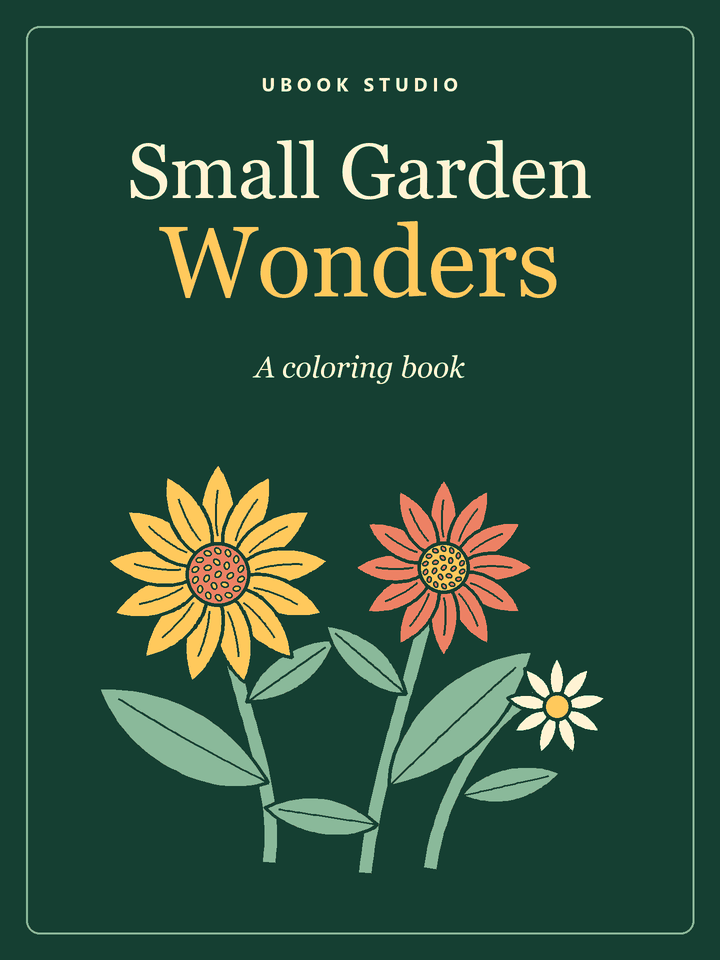
Make an interactive workbook, teach a course, draft fiction, or illustrate a coloring book. Compare all seven formats or choose one below.
Export a PDF for fixed layouts, an EPUB for e-readers or a Word file for editing. Coloring books include a print interior.
Tell the assistant who the book is for and what readers should take away. Bring a topic, notes or lessons.
Follow the chapters and cover as they come together. Preview the whole book and make edits in your studio.
Choose a plan when you want to export. Take the files to your store, a publishing platform or your readers.
Preview your first ebook for free. Choose a monthly credit allowance when you want to download your own editions.
Yes. Add lessons when you create a book or write directly in the chapter editor. You can edit the outline and manuscript before downloading your book.
Yes. Create a free account and choose the full-book preview when you review your first build. Once the book is ready, you can read every chapter in the studio. Publishing plans unlock downloads.
The reader PDF supports short answers, longer reflections, checkboxes, and ratings. Readers can save their answers in a PDF app that supports forms. The downloadable browser workbook has draggable ratings and lets readers save a copy with their answers offline. Choose the instructor edition to include the answer key.
Choose PDF for fixed pages, EPUB for text that reflows on e-readers, or DOCX to edit in Word. For a coloring book, choose the print interior to download a PDF with one illustration per page.
An outline or title uses one credit, a chapter uses two, a page illustration uses four, and a cover uses six. Your account shows your balance and available monthly plans.
Yes. You can sell, print or give away the books you export, including after your subscription ends. You keep the rights in your own material. Check third-party permissions before publishing. Read the terms of service for commercial use.
Read the publishing guides or contact the support desk. You can open a private conversation even if you cannot sign in.
Give ubook an idea. Read the finished draft, make it your own, and choose when to publish.